How to play Mudline Rally
Open www.mudlinerally.com, play as a guest or sign in, and pick a mode. Drive with the arrow keys or WASD on a keyboard, or with a steering pad and buttons on a touch screen.
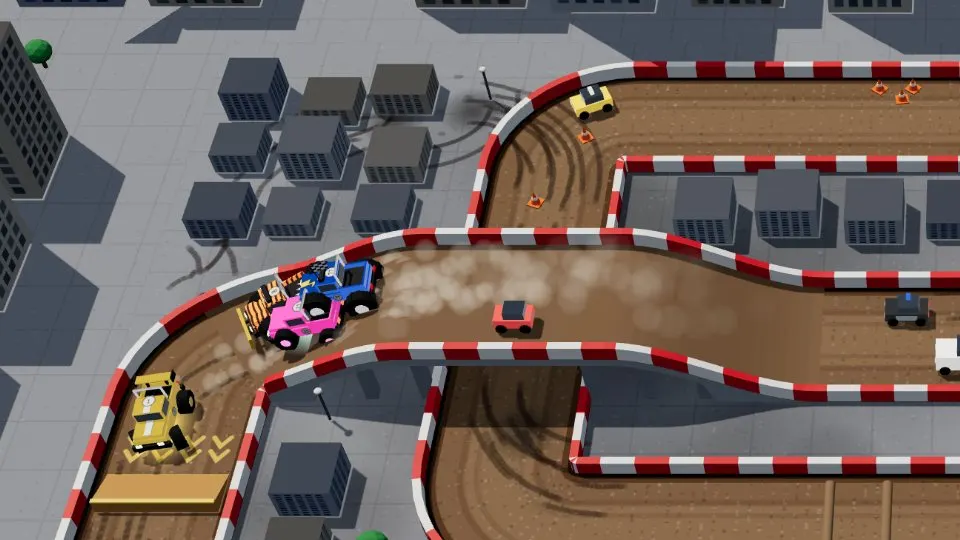
How do I start in 3 steps?
- Open the game. Go to www.mudlinerally.com in any modern browser on a computer, tablet or phone. There is nothing to download or install.
- Play as a guest or sign in. Start as a guest straight away, or create a free account with Google or email to save your driver on every device.
- Pick a mode and race. Choose a quick match (Single, Mayhem or Relay), a private lobby with friends, a race series or Career mode. Computer drivers fill empty seats.
What are the keyboard controls?
You steer with the arrow keys or WASD and use six other keys.
| Key | Action |
|---|---|
| ↑ ↓ ← → or W A S D | Drive and steer |
| Space | Nitro |
| R | Get back on the track |
| H | Horn |
| V | Voice chat |
| F | Fire (Mayhem and Relay) |
| Esc or P | Menu |
What are the touch controls on phones and tablets?
Hold the device sideways. Your left thumb steers and your right thumb handles speed.
| Where | Control |
|---|---|
| Left thumb | Steering pad |
| Right thumb | Gas, brake and nitro |
More detail: Playing Mudline Rally on your phone.
Tips for your first races
- Save nitro for straights. A boost into a wall is wasted.
- Press R as soon as you are stuck. Resetting is faster than wriggling free.
- Use the whole screen. Every driver is on one track seen from above, so you always know where rivals are.
- Drive to the weather. Steer gently on puddles and black ice, expect wind to push you sideways in the air, and avoid glowing lightning rings.
- Start on Easy. Computer drivers come in Easy, Normal and Hard; each keeps its own career progress.
Next: read the beginner's guide, browse the 17 tracks or pick a game mode.
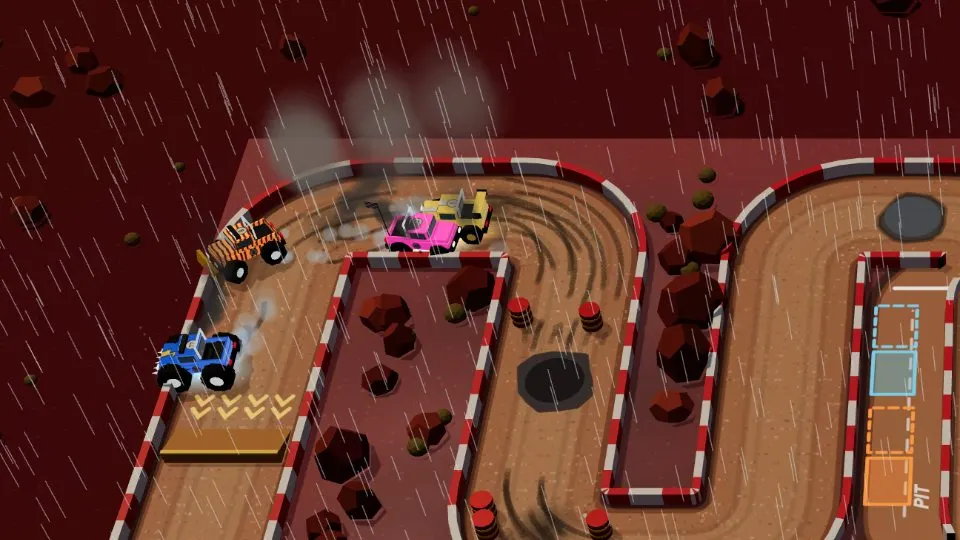
Ready to race?
No download, no install. Race up to 4 drivers right now in your browser.